

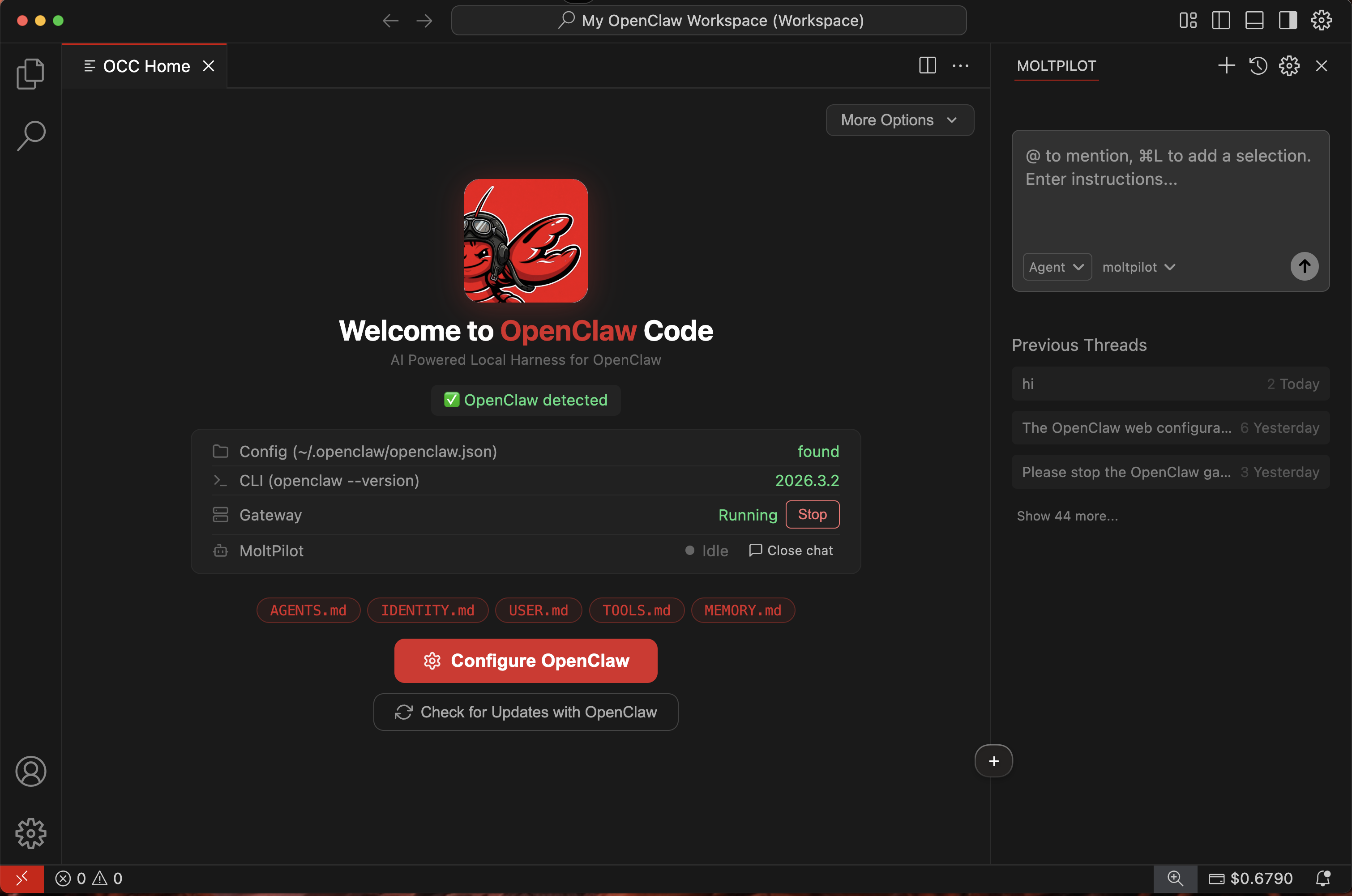
The easiest way to manage your AI agent
OpenClaw Code (OCCode) is a desktop app that lets anyone set up, connect, and manage an OpenClaw AI agent — no terminal, no config files, no technical knowledge required. Download it, sign in, and your agent is ready to go.Who is this for?
OCCode is built for anyone who wants their own AI agent — not just developers. Here are some examples:Small business owners
Small business owners
Set up an AI agent to help with customer support, scheduling, or answering common questions — without hiring a developer or learning to code.
Students & researchers
Students & researchers
Get an AI assistant for research, writing, brainstorming, and organizing information. Just open OCCode and start asking.
Creators & freelancers
Creators & freelancers
Use your agent to draft content, manage tasks, or automate repetitive work — so you can focus on what you’re good at.
Teams & organizations
Teams & organizations
Give your team access to AI agents without complex infrastructure. Everyone signs in with their own account and gets started immediately.
Curious people
Curious people
You’ve heard about AI agents and want to try one. OCCode makes it simple — no setup headaches, no command line, just a friendly app.
How it works
Download OCCode
Get the free app for Windows or macOS from openclawcode.org.
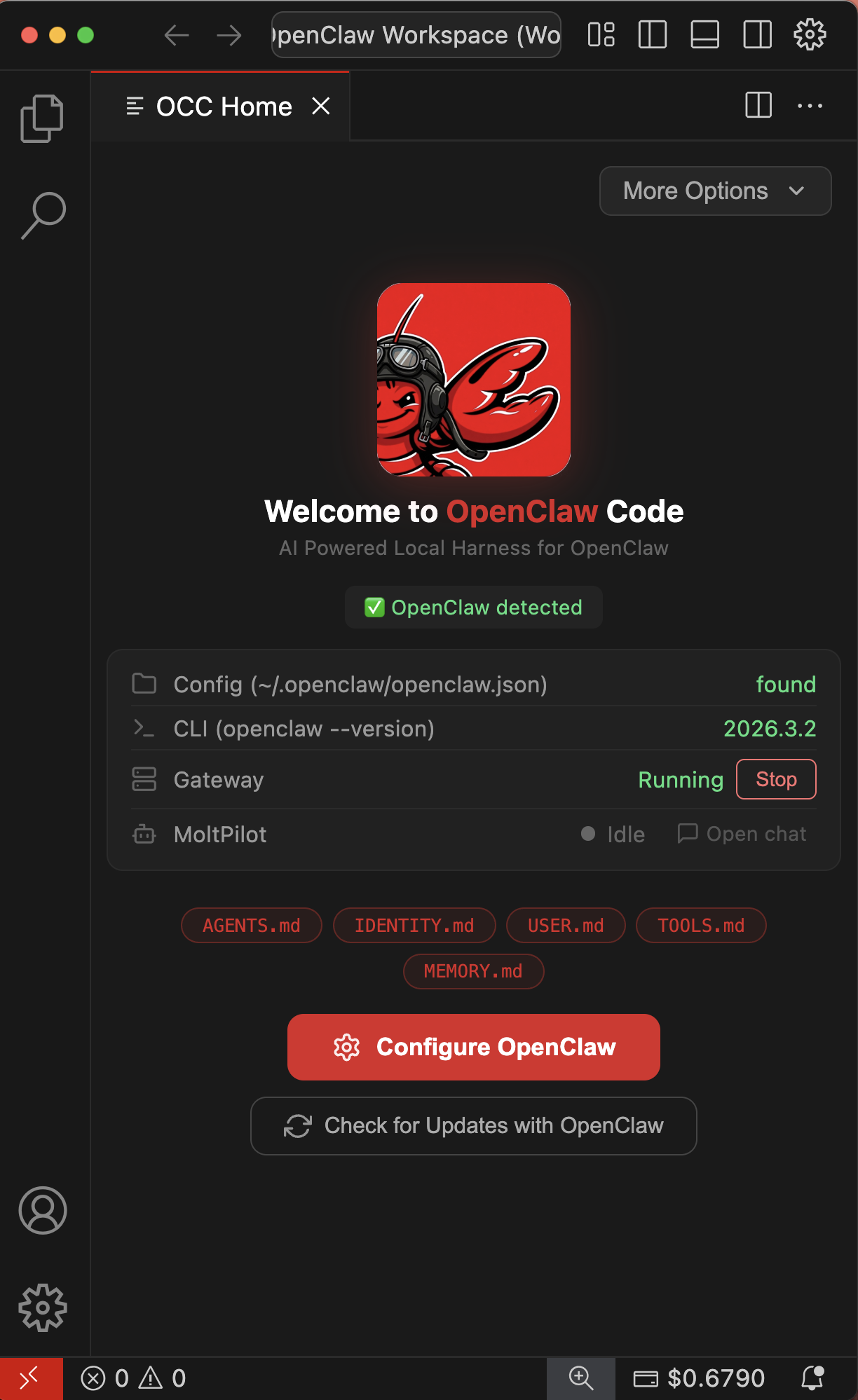
Key features
No terminal needed
Everything is done through a friendly visual interface. Zero command-line knowledge required.
$5 free credits
Every new account starts with $5 in credits — enough for thousands of interactions.
Simple setup wizard
Follow guided steps to get your agent running in minutes, not hours.
Pay as you go
No subscriptions. Top up 10 / 50 whenever you need more credits.
Works everywhere
Available for Windows and macOS. Linux coming soon.
Open source
The app is fully open source on GitHub.