

Get started in 3 steps
1. Download OCCode
2. Sign in
Every new account gets $5.00 in free credits — no credit card required.
3. Start using your agent
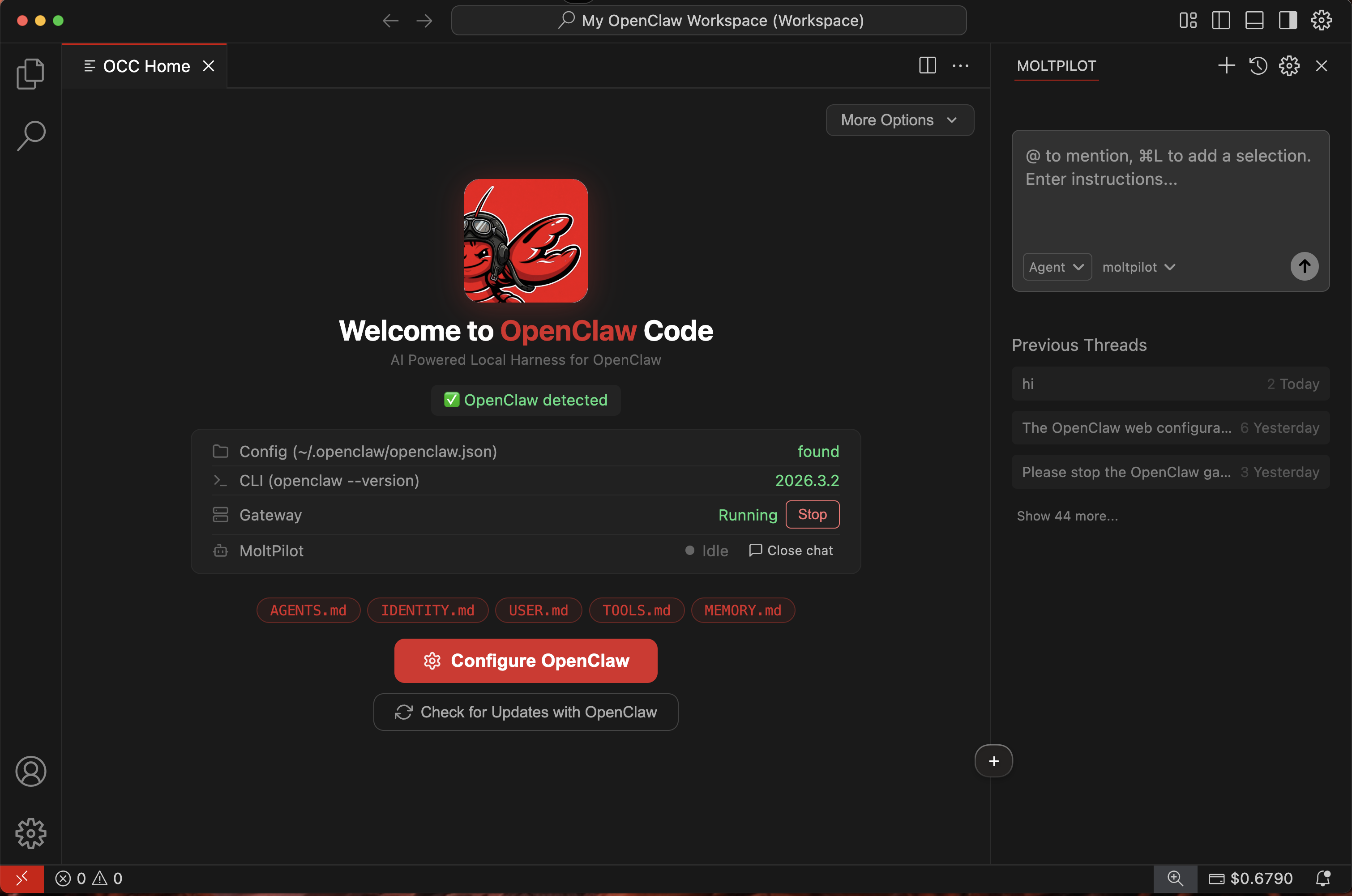
Once signed in, OCCode connects you to your OpenClaw agent:- Setup wizard — follow the guided steps to configure your agent
- Status panel — see at a glance whether your agent is running
- Troubleshooting — if something goes wrong, OCCode helps you fix it
Your dashboard
Visit your dashboard anytime to:Check balance
See your current credit balance.
View usage
See every interaction and its cost.
Buy credits
Top up with 10 / 50.